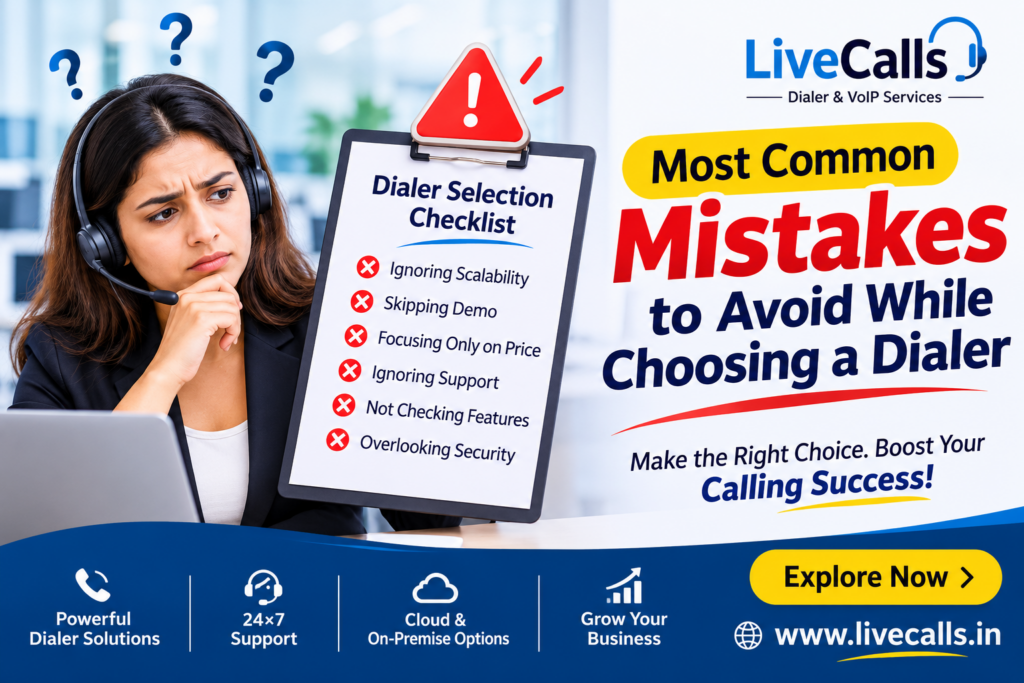
10 Most Common Mistakes to Avoid While Choosing a Dialer
Introduction
Choosing the right dialer software is one of the most important decisions when starting or expanding a call center. Whether you operate a small telemarketing team, a growing BPO company, a sales department, or a large customer support operation, your dialer directly affects productivity, customer experience, and business growth.
A good dialer helps agents connect with customers efficiently, manage leads, track performance, and improve calling operations. However, choosing the wrong system can result in poor call quality, unnecessary expenses, technical problems, and lost business opportunities.
Many businesses select dialer software simply because it is cheap or popular, without considering their actual operational requirements.
In this article, we will discuss the 10 most common mistakes to avoid while choosing a dialer and explain how to select the right solution for your business.
1. Choosing a Dialer Based Only on Price
One of the biggest mistakes businesses make is selecting a dialer simply because it offers the lowest price.
Although saving money is important, a cheap dialer may lack essential features such as advanced reporting, campaign management, CRM integration, call monitoring, and technical support.
You should consider the overall cost of operating the system rather than just its initial price.
What to consider:
- Software and subscription costs.
- Server and hosting expenses.
- VoIP and SIP trunk charges.
- Installation and configuration costs.
- Maintenance and technical support.
Pro Tip: Choose a dialer that provides the right balance between affordability, reliability, features, and scalability.
2. Ignoring Your Business Requirements
Not every call center has the same requirements.
For example, an outbound telemarketing company may need predictive dialing, while a customer support center may prioritize inbound calling, IVR, and call routing.
Before selecting a dialer, identify your actual business needs.
Consider:
- Do you primarily handle inbound or outbound calls?
- Do you need predictive, preview, or manual dialing?
- How many agents will use the system?
- Do you require remote agent functionality?
- Do you need call recording and live monitoring?
Pro Tip: Make a list of your current requirements and future business goals before choosing your dialer.
3. Overlooking Call Quality and VoIP Connectivity
A dialer may have excellent features, but poor voice quality can ruin the entire customer experience.
Dropped calls, delayed audio, one-way audio, and connection failures can negatively affect agent productivity and customer satisfaction.
Remember that dialer performance depends not only on the software but also on your server, network, SIP trunk, and VoIP provider.
What to check:
- SIP trunk reliability.
- Voice quality and latency.
- Network stability.
- Concurrent call capacity.
- Calls per second (CPS) requirements.
- Proper firewall and RTP configuration.
Pro Tip: Always test actual calls before committing to a dialer or VoIP provider.
4. Not Checking Scalability
Your business may start with five agents today, but what happens when you expand to 50, 100, or more?
Choosing a system that cannot accommodate your future requirements can result in expensive migrations and operational disruptions.
Look for a dialer that supports:
- Easy agent expansion.
- Multiple campaigns.
- Additional SIP trunks.
- Increased concurrent call capacity.
- Remote agents.
- Flexible server resources.
Pro Tip: Select a solution that can grow alongside your business.
5. Ignoring CRM Integration
Modern call centers depend heavily on customer information and lead management.
If your dialer cannot integrate with your CRM, agents may need to switch between multiple applications and manually update customer records.
This wastes time and increases the possibility of errors.
A good dialer should support integrations that help synchronize:
- Customer information.
- Lead status and dispositions.
- Call history.
- Follow-up activities.
- Call recordings and notes.
Platforms such as Zoho, Salesforce, HubSpot, and other CRM systems can help streamline your calling operations when properly integrated.
Pro Tip: Check CRM compatibility and API integration capabilities before purchasing a dialer.
6. Ignoring Reporting and Analytics
Without proper reporting, it becomes difficult to understand how your call center is performing.
A dialer should provide useful information about agent productivity, campaign performance, call outcomes, and customer interactions.
Important reporting features include:
- Total calls made and received.
- Answered and unanswered calls.
- Agent login and logout reports.
- Average call duration.
- Campaign performance.
- Call recordings.
- Real-time monitoring.
Pro Tip: Choose a dialer with real-time dashboards and detailed reporting so supervisors can make informed decisions.
7. Not Evaluating Technical Support
Technical problems can happen at any time.
Your dialer may experience server issues, SIP registration problems, campaign configuration errors, or connectivity failures.
Without reliable technical support, even a small problem can interrupt your entire calling operation.
Before choosing a provider, check:
- Availability of technical support.
- Troubleshooting assistance.
- Installation and configuration services.
- Server maintenance.
- Backup and recovery options.
- Experience with your chosen dialer platform.
Pro Tip: Look for a provider that understands call center technology and can assist with both software and VoIP-related issues.
8. Choosing the Wrong Dialing Mode
Different businesses require different dialing strategies.
Selecting the wrong dialing mode can reduce agent productivity or create poor customer experiences.
Common dialing modes include:
Predictive Dialer: Automatically places outbound calls based on agent availability and configured campaign parameters.
Preview Dialer: Allows agents to review customer information before placing a call.
Progressive Dialer: Places calls as agents become available, following configured dialing rules.
Manual Dialer: Allows agents to control when calls are placed.
Inbound Dialer: Helps manage incoming customer calls through queues and routing.
Pro Tip: Choose your dialing mode based on your campaign type, agent availability, customer experience, and applicable calling regulations.
9. Neglecting Security and Data Protection
Your dialer stores important business information, including customer details, phone numbers, call recordings, and campaign data.
Ignoring security can expose your business to unauthorized access, data loss, and service disruptions.
Important security considerations include:
- Strong administrator and agent passwords.
- Firewall configuration.
- Restricted administrative access.
- Regular security updates.
- Database backups.
- Secure remote access.
- Appropriate data retention policies.
Pro Tip: Never compromise on security when choosing a cloud or in-house dialer.
10. Not Taking a Demo or Testing Before Purchase
One of the most avoidable mistakes is purchasing a dialer without testing it.
A sales presentation may look impressive, but you need to understand how the actual system performs.
Before making your final decision, request a live demonstration or trial where possible.
Test:
- Agent login and calling experience.
- Campaign creation.
- Inbound and outbound calls.
- Call recording.
- Live monitoring.
- Reporting.
- CRM integration.
- System performance under realistic workloads.
Pro Tip: Test the dialer using a small team and real operational workflows before deploying it across your entire organization.
Bonus: Why Consider VICIdial for Your Call Center?
If you are looking for a flexible and customizable call center platform, VICIdial is worth considering.
VICIdial is an open-source contact center solution that supports a wide range of inbound and outbound calling operations.
Some of its important features include:
- Predictive, progressive, preview, and manual dialing.
- Inbound and outbound campaign management.
- Agent and supervisor management.
- Call recording.
- Real-time reporting.
- Remote agent support.
- IVR and call routing.
- Campaign and lead management.
However, successful VICIdial deployment requires proper server configuration, VoIP connectivity, security, and ongoing technical maintenance.
Choosing an experienced implementation and support provider can make a significant difference.
Why Choose LiveCalls.in for Your Dialer and VoIP Requirements?
Looking for a reliable dialer solution for your business?
LiveCalls.in provides call center and VoIP solutions designed to help businesses establish, manage, and expand their calling operations.
Whether you are starting a new call center or upgrading an existing setup, we can help you explore solutions that match your requirements.
Our Services Include:
- Cloud Dialer Solutions: Access your call center system through cloud infrastructure.
- In-House Dialer Setup: Build and manage your own dialer infrastructure.
- VICIdial Installation & Configuration: Professional deployment, customization, and troubleshooting.
- GoAutoDial Solutions: Contact center solutions for inbound and outbound operations.
- VoIP & SIP Services: Connectivity solutions for business calling.
- DID & Toll-Free Numbers: Telephone number solutions for business communication.
- GSM Gateway Solutions: Integrate GSM connectivity into your telephony infrastructure.
- IVR & Broadcasting Dialer: Configure automated calling and interactive voice response solutions.
- CRM Integration: Connect your dialer with supported CRM platforms.
We also provide technical assistance to help businesses maintain their calling infrastructure.
Ready to Choose the Right Dialer?
Don’t let the wrong dialer slow down your business.
Choose a solution that delivers the right combination of performance, reliability, flexibility, and support.
Whether you need a cloud dialer, an in-house VICIdial setup, VoIP services, or a complete call center solution, LiveCalls.in can help you get started.
Contact us today:
Explore our dialer and VoIP solutions and discuss your call center requirements with our team.
Conclusion
Choosing the right dialer is not just about buying software. It is about investing in the communication infrastructure that supports your business.
Avoiding these common mistakes can help you save money, improve agent productivity, maintain better call quality, and build a scalable call center.
Take time to evaluate your requirements, compare available solutions, test the system, and choose a provider that offers reliable technical support.
Make the right dialer choice today and build a more productive call center with LiveCalls.in!
Frequently Asked Questions (FAQs)
1. Which dialer is best for a call center?
The best dialer depends on your business requirements. VICIdial is a popular open-source option for businesses that need flexible inbound and outbound calling features.
2. What is the difference between a cloud dialer and an in-house dialer?
A cloud dialer is hosted on remote infrastructure and accessed over the internet. An in-house dialer is deployed on infrastructure managed by your business, providing greater direct control over the environment.
3. Is VICIdial suitable for small call centers?
Yes. VICIdial can be configured for small and large call centers, provided the server resources and telephony infrastructure are appropriate.
4. Why is VoIP important for dialer performance?
VoIP provides the voice connectivity required for calls. Reliable SIP routing, network quality, and correct configuration are important for stable communication.
5. Can I integrate my dialer with a CRM?
Yes. Many dialer platforms support CRM integration through APIs, webhooks, or custom integrations, depending on the platform and configuration.
6. Does LiveCalls.in provide dialer installation and support?
LiveCalls.in offers VICIdial installation, configuration, cloud and in-house dialer solutions, VoIP services, and technical support.
Visit https://www.livecalls.in/ to explore the available services.